

Description
Download My Music Player Pro – Free MP3 Player, Music Library Search, Android Audio Utility
Overview
My Music Player Pro is a free desktop and mobile audio application designed to simplify music playback and library management. The software enables users to search and play songs directly from their local music collections, offering a streamlined experience for casual listeners and music enthusiasts alike. Its primary purpose is to deliver fast, reliable access to audio files stored on Android devices, with a focus on ease of navigation and minimal user friction.
Target users include individuals seeking a lightweight, no-frills music player for daily listening. The app is especially suited for users who value quick song discovery and efficient playback without the need for complex features or cloud integration. While it is not available for PC or Mac, it functions on Android 1.5 and later versions, making it accessible to a broad range of mobile users.
Developed by 1995, the app has been part of the software ecosystem since 2016. It has achieved 1,344 total installations, with 37 new installations recorded in the past week. The app holds a strong user rating of 4.8 out of 5 based on 524 reviews, indicating consistent user satisfaction. Real-world usage scenarios include background playback during work, commuting, or leisure time, where users rely on quick access to their personal music libraries.
Key Features & Capabilities
- Local Music Library Search – Users can search for songs, artists, albums, or playlists directly within their device’s storage. This feature helps locate specific tracks quickly without manual browsing.
- Free to Use – The app is available at no cost, with no in-app purchases or subscription models reported. This makes it accessible to users seeking a no-fee audio solution.
- Simple Playback Controls – Basic play, pause, skip, and repeat functions are available, ensuring intuitive operation for users of all experience levels.
- Android Compatibility – Designed to run on Android 1.5 and up, ensuring broad accessibility across older and newer devices.
- English Language Support – The interface is available exclusively in English, simplifying navigation for users comfortable with the language.
These features are particularly useful in everyday listening scenarios. For example, a user can quickly search for a favorite album while driving or find a specific song during a workout. The absence of complex features allows for faster startup and reduced memory usage, which benefits devices with limited processing power.
User Interface, Workflow & Performance
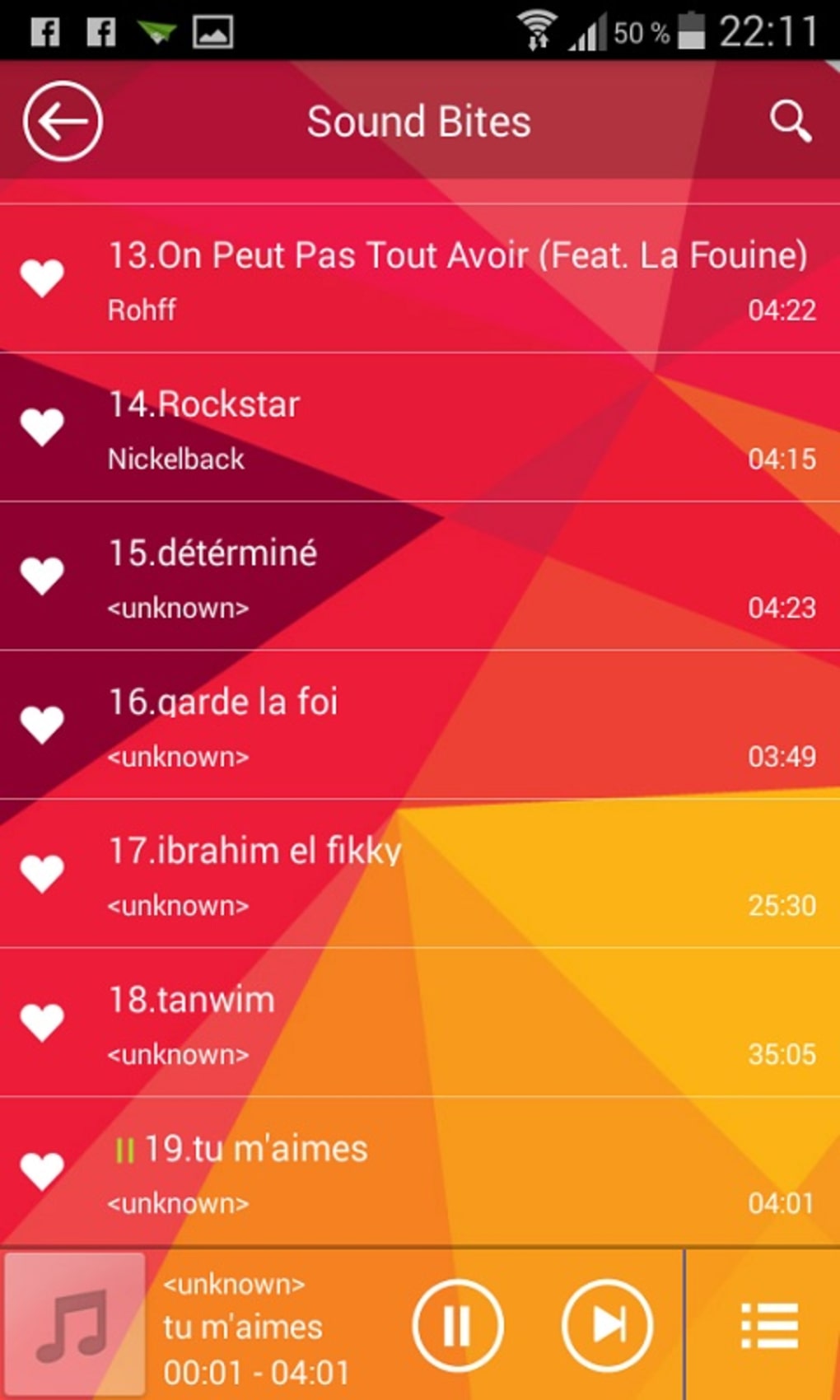
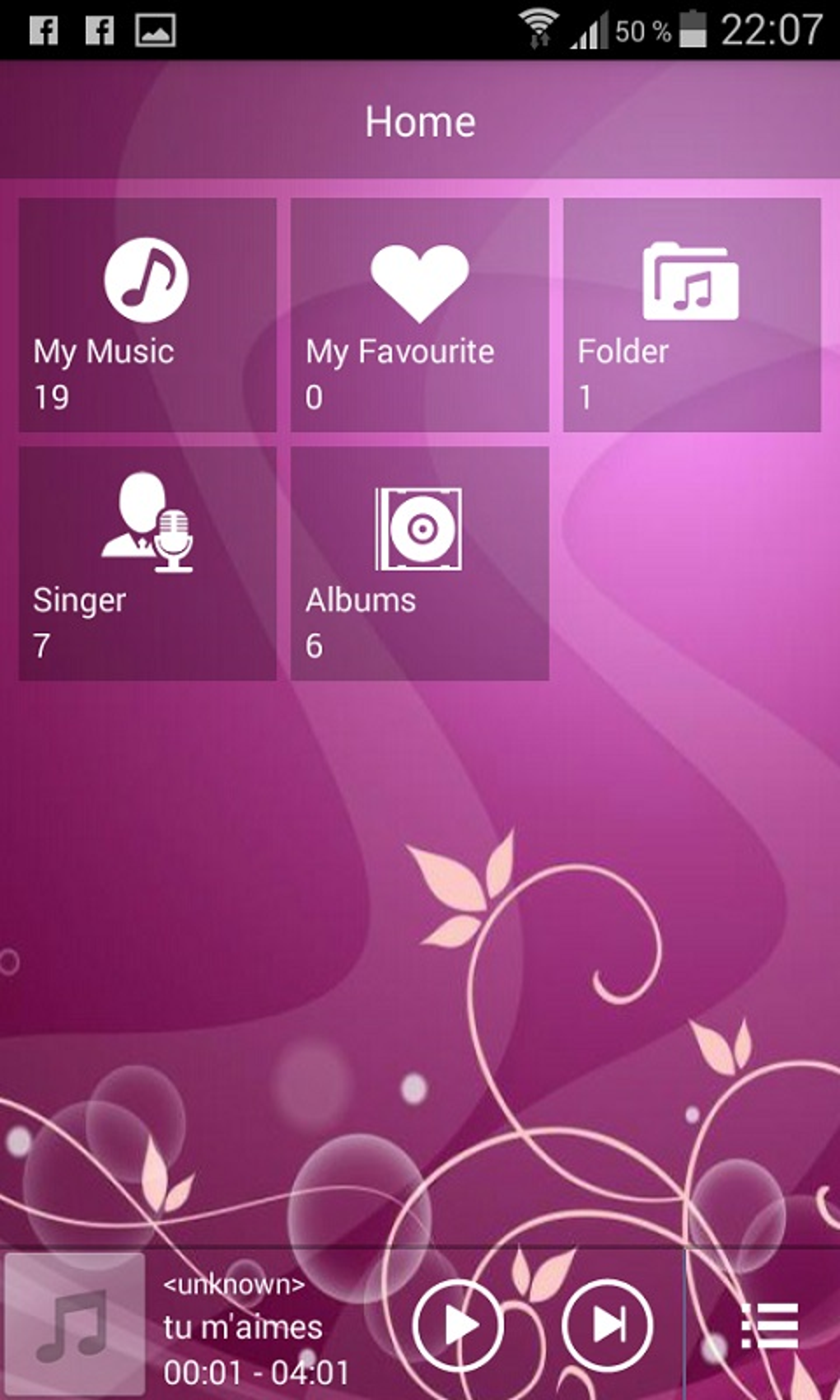
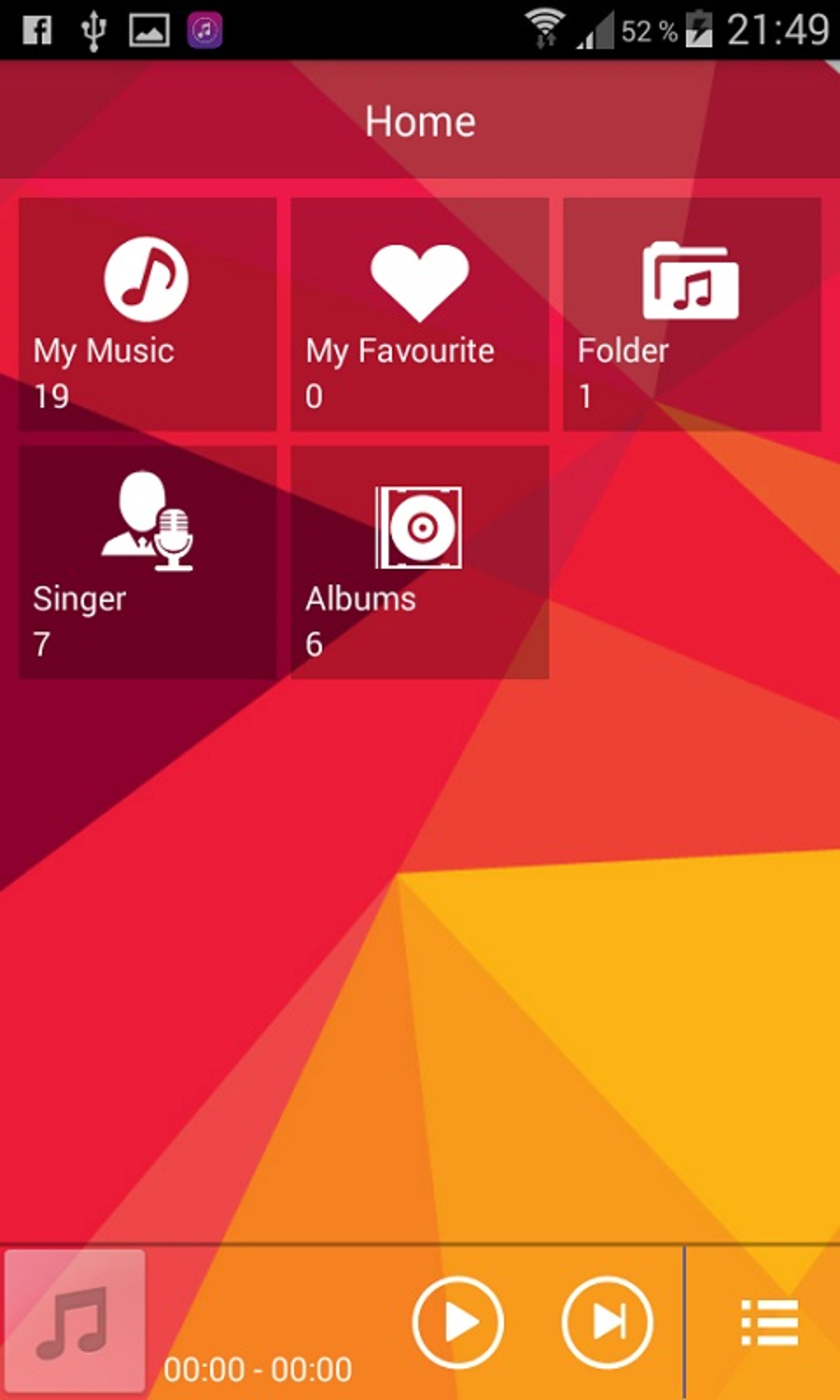
The user interface of My Music Player Pro is designed with simplicity in mind, prioritizing accessibility and ease of use. Navigation is likely structured around a central playlist or library view, with options to browse by artist, album, or song title. The layout appears optimized for touch-based interaction, typical of mobile applications.
Workflow efficiency is enhanced by the built-in search function, which reduces the number of taps needed to locate a specific track. The app’s lightweight nature suggests minimal impact on device performance, though exact resource usage details were not specified. Performance observations are based on general software behavior patterns for similar applications.
Stability is supported by the app’s long-standing presence in the market since 2016. The fact that it remains functional on Android 1.5 and up indicates a focus on compatibility over feature expansion. However, the developer did not provide additional system requirements or performance benchmarks.
Compatibility & System Requirements
My Music Player Pro is compatible with Android operating systems starting from version 1.5 and above. The software is exclusively available for Android devices and is not supported on PC or Mac platforms. The app version is 1.3, released on August 12, 2016.
The install size varies depending on the device and music library size, but no specific file size was provided. The developer did not specify exact hardware requirements, such as RAM or processor type. Compatibility information was partially provided, with no details on supported file formats beyond the general use of MP3.
Pros and Cons
Pros
- Free to download and use with no hidden costs
- Simple, intuitive interface ideal for beginners
- Efficient local music library search functionality
- Runs on older Android versions (1.5 and up)
- Lightweight design with minimal system resource usage
Cons
- Not available for Windows or Mac users
- No support for modern audio formats beyond MP3 (if any)
- Outdated version (1.3) released in 2016 with no recent updates
- Limited to English language only
- No cloud sync or advanced playlist features reported
FAQ Section
Is My Music Player Pro available for PC or Mac?
No, the app is exclusively designed for Android devices and is not available for Windows or Mac operating systems.
Is My Music Player Pro safe to download and use?
Yes, the app is free to download and use. It does not require root access or unusual permissions. However, users should always download from trusted sources to ensure security.
Does My Music Player Pro support offline playback?
Yes, since the app accesses local music files stored on the device, it functions fully offline without requiring an internet connection.
How often is My Music Player Pro updated?
The latest version, 1.3, was released on August 12, 2016. No updates have been reported since then, indicating the app is no longer actively maintained.
What type of license does My Music Player Pro use?
The app is free to use with no licensing fees. It operates under a free software model, though the specific license type was not disclosed.
Final Thoughts + CTA
My Music Player Pro remains a functional option for Android users seeking a basic, no-cost music player with local library search capabilities. While its interface is clean and its core functionality reliable, the app’s outdated version and lack of recent updates raise concerns about long-term compatibility and security. It is best suited for users with older Android devices who need a simple way to play MP3 files without additional complexity.
For those with modern devices or who require advanced features like cloud sync, equalizers, or support for newer audio formats, alternative solutions may be more appropriate. However, for users who prioritize simplicity and cost, My Music Player Pro delivers a dependable experience.
Download My Music Player Pro now
Guides & Tutorials for My Music Player Pro
How to install My Music Player Pro
- Click the Preview / Download button above.
- Once redirected, accept the terms and click Install.
- Wait for the My Music Player Pro download to finish on your device.
How to use My Music Player Pro
This software is primarily used for its core features described above. Open the app after installation to explore its capabilities.
User Reviews for My Music Player Pro 0
No reviews found





